
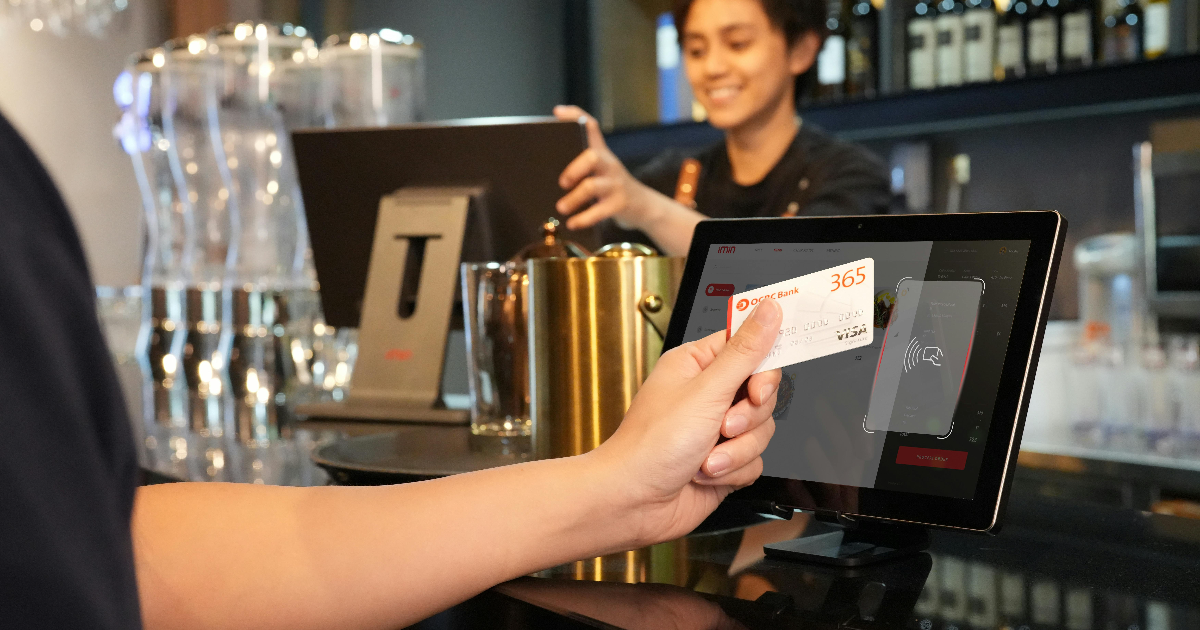
How to create a POS system that keeps up with your busiest nights isn’t about having more tech. It’s about having the right setup. When the dinner rush hits, your system should make life easier, not harder. If your staff is tapping buttons that don’t make sense or waiting for orders to process, that’s time — and money — slipping away. This guide breaks down what a high-performing POS really looks like. You’ll learn the key features to focus on, and how to build a system your team can count on when the pressure’s on. How to create a POS system that keeps up with your busiest nights? It starts with ditching generic tools and building one designed for the way your restaurant runs. Picture this: it’s rush hour, every table’s full, and yet—orders are smooth, the kitchen’s calm, and guests are happy. That’s not a lucky night; that’s a system working exactly the way you need it to. Lightspeed found that a good POS system can cut down the number of steps for things like splitting checks and adding discounts by 40% compared to other systems. That kind of speed makes a big difference on busy nights. If you’re ready to build a faster, easier system for your restaurant, you’re in the right place. Read More: 15 Must-Have Features in Your Restaurant POS System
Why a Custom POS System Is Worth It
Most POS systems are designed to work for many types of businesses, cafes, bars, and boutiques. But restaurants have very specific needs. A custom POS system can help you:
- Handle complex menus and modifications
- Manage tables and split bills
- Track ingredients and inventory in real-time
- Speed up orders during peak hours
- Get useful reports about sales, staff, and customer behavior
Step 1: Understand What Your Restaurant Needs
Before writing a line of code, you need to clearly define what your system should do. Think about:
- What kind of restaurant you run (quick-service, fine dining, food truck)
- How complex your menu is (custom orders, combos, modifiers)
- How many people use the POS (cashiers, servers, kitchen staff)
- Whether you need features like delivery, loyalty programs, or online ordering
- What kind of reports or analytics do you want to see
This step helps you avoid building th ings you won’t use and focus on features that will make a difference.
Step 2: Choose Between Cloud-Based or On-Premise POS
Cloud-based POS systems are hosted online and work with internet access.
On-premise POS systems run on local servers inside your restaurant.
| Type | Pros | Cons |
|---|---|---|
| Cloud-based | Remote access, automatic updates | Needs a strong internet connection |
| On-premise | Full control, works offline | Higher setup cost, manual updates |
Check Out: 7 Tips To Make Restaurants More Sustainable
Step 3: Choose Your POS Hardware
Hardware refers to the physical equipment you’ll need. This depends on the size and layout of your restaurant, but typically includes:
| Hardware | Purpose |
|---|---|
| Touchscreen Monitor | Staff enter and manage orders |
| Receipt Printer | Print receipts for the kitchen and guests |
| Cash Drawer | Secure handling of cash payments |
| Kitchen Display | Digital display for kitchen staff |
| Barcode Scanner | Useful for inventory and retail items |
You can start with basic hardware and upgrade as your business grows.
Step 4: Build or Customize the POS Software
Now it’s time to build the actual software. You have two main choices:
- Build it from scratch: Full control, high customization, but more time and cost.
- Customize an existing system: Use platforms like Square, Shopify, or open-source software and tailor them to your needs.
Your software should include:
- Menu and order management
- Multiple payment types (card, cash, mobile)
- Employee scheduling and time tracking
- Inventory and ingredient tracking
- Table management
- Customer profiles and loyalty programs
- Real-time sales and performance reports
Did You Know? POS Software Trends Study by Hospitality Technology reports that 68% of restaurant operators are seeking cloud-based POS solutions for their agility and scalability.
Step 5: Test and Train Before You Launch
Before going live, run tests to make sure everything works. Here’s how:
- Pilot testing: Use the system during slow hours or soft openings.
- Train your team: Make sure everyone knows how to use it properly.
- Collect feedback: Ask staff for opinions on speed, layout, and ease of use.
- Fix issues: Adjust software and settings based on real-world feedback.
Good training is just as important as good software. Modern POS systems help staff take and process orders faster, which means customers get served quicker and don’t have to wait as long.
You Might Like: Best iPad POS Systems in 2025
How Much Does It Cost?
Costs vary depending on features, design, and hardware, but here’s a general estimate:
| Component | Cost Range |
|---|---|
| POS Hardware | $0 – $2,000 |
| Software Development | $7,000 – $50,000+ |
| Ongoing Support & Hosting | $20 – $100/month |
| Staff Training | $500 – $2,000 |
Key Benefits of Custom POS Software
- Designed to match your restaurant’s workflow
- Easy to scale as your business grows
- Integrated with third-party services (like Uber Eats or Grubhub)
- Access to useful insights and custom reports
- Helps reduce human error and manage busy hours
A system designed for your restaurant helps you work faster, reduce mistakes, and make better business decisions.
Book a Demo
See how top hotels are using AI to improve guest experiences.
Book a demo with AireusPOS and find out how it can work for you.
